Turn any article into hand-drawn explainer doodles
Paste your post. InkDoo finds the ideas worth drawing, places each illustration after the right paragraph, and draws white-background doodles where the character you pick — Doo the one-eyed egg or one of five friends — does the conceptual work.
Try it free — 2 images on us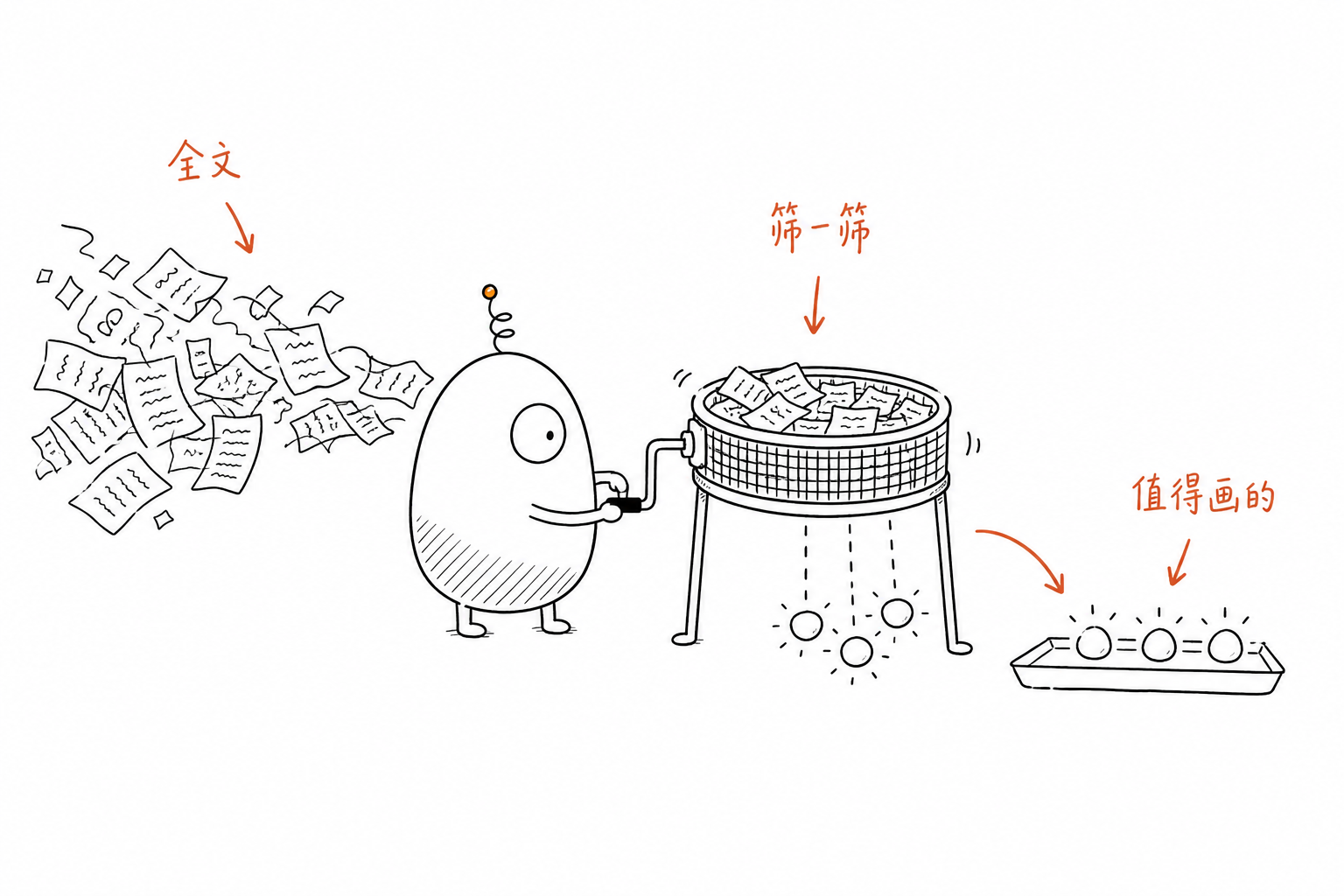
How it works
1. Paste
Drop in a blog post, newsletter, thread or doc (up to ~12,000 characters, Chinese or English).
2. Plan
An LLM reads it like an art director: picks the cognitive anchors, a structure (workflow, before/after, metaphor…) and a fresh physical metaphor for each.
3. Draw
Edit any scene if you like, then generate. Each image is drawn with GPT Image 2.5 and hosted for you — copy the Markdown and paste.
Meet Doo & friends
Pick one of 6 original characters: Doo (阿嘟), the lopsided one-eyed egg with a spring antenna, or Blot, Stub, Mochi, Folio and Puff. Whoever you pick never poses — they crank the sieve, carry the box, pull the lever. If an image still works without the character, the planner rewrites it.
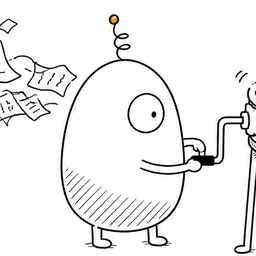 Doo · 阿嘟Deadpan, diligent one-eyed egg
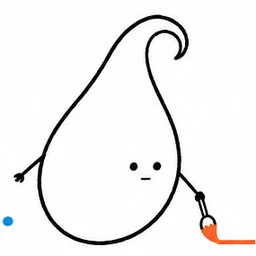 Blot · 墨墨Calm perfectionist, one stroke and done
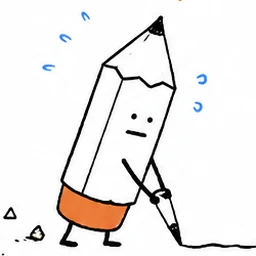 Stub · 铅头儿Worn down to a stub, never quits
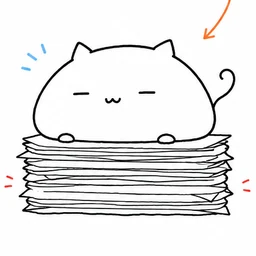 Mochi · 糯糯Looks lazy, sits on it and it is solved
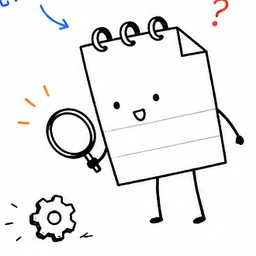 Folio · 页页Curious, writes everything down first
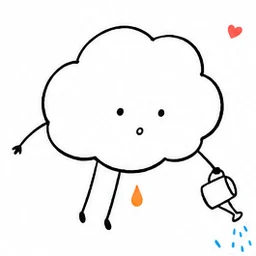 Puff · 噗噗Dreamy little cloud that tends ideas
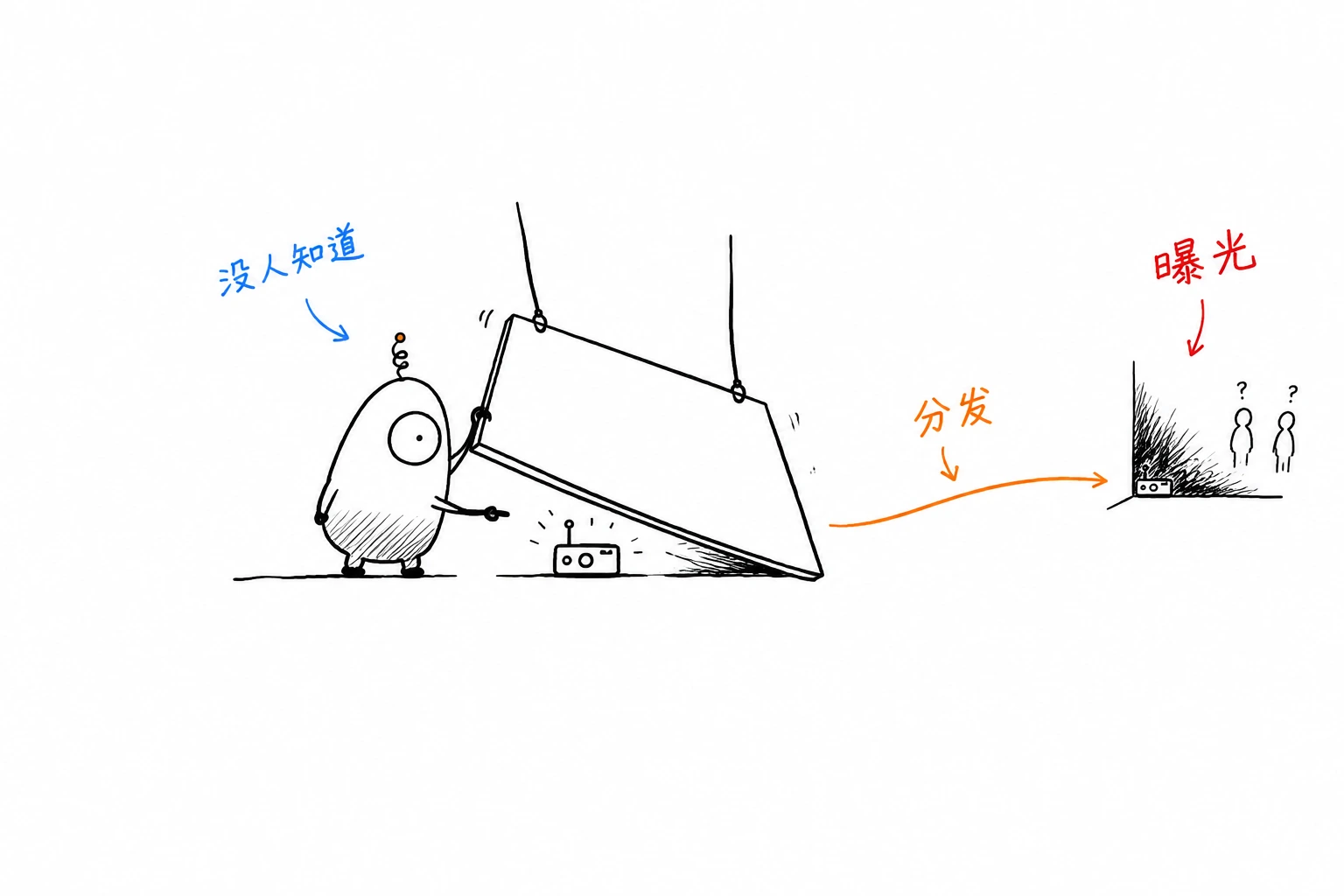
Example output
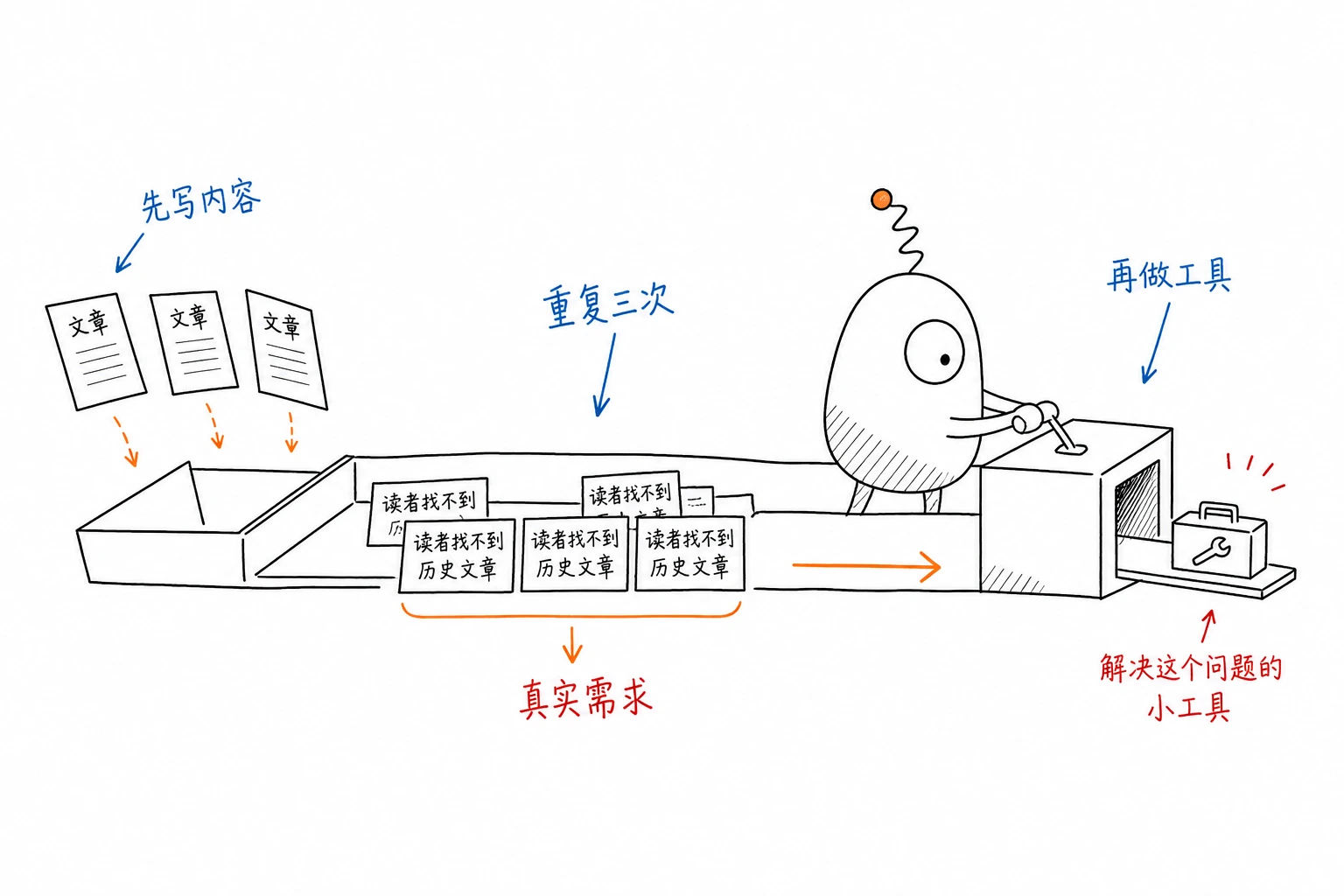
Simple credit packs
1 credit = 1 illustration. Planning is free. Credits never expire.
FAQ
What style does InkDoo draw?
Minimal black hand-drawn line art on pure white, lots of empty space, and a few short red/orange/blue handwritten labels. One idea per image — explanatory sketches, not slides or stock illustrations.
Which languages are supported?
Articles in Chinese or English. Labels inside the image follow the article language. The site itself is available in English and Chinese.
Which model draws the images?
GPT Image 2.5 (Flare) for drawing and a fast GPT model for planning, called server-side.
Can I use the images commercially?
Yes — images you generate are yours to use in your articles, newsletters and products. Avoid prompting for other people's trademarks or characters.
What if a generation fails?
The credit is refunded automatically. You can edit the scene and try again.
Can I choose the character?
Yes. Pick Doo (default), Blot, Stub, Mochi, Folio or Puff above your article. The planner writes scenes for that character, and you can switch characters before generating each image.